

DISCOVER.
Films and series. Minus the admin.
A quick yes, a quick pass. Discover picks shaped by your choices and save the good stuff to Plex. New account? Build a watchlist without making it your second job.
Start discovering
Just watch something already.
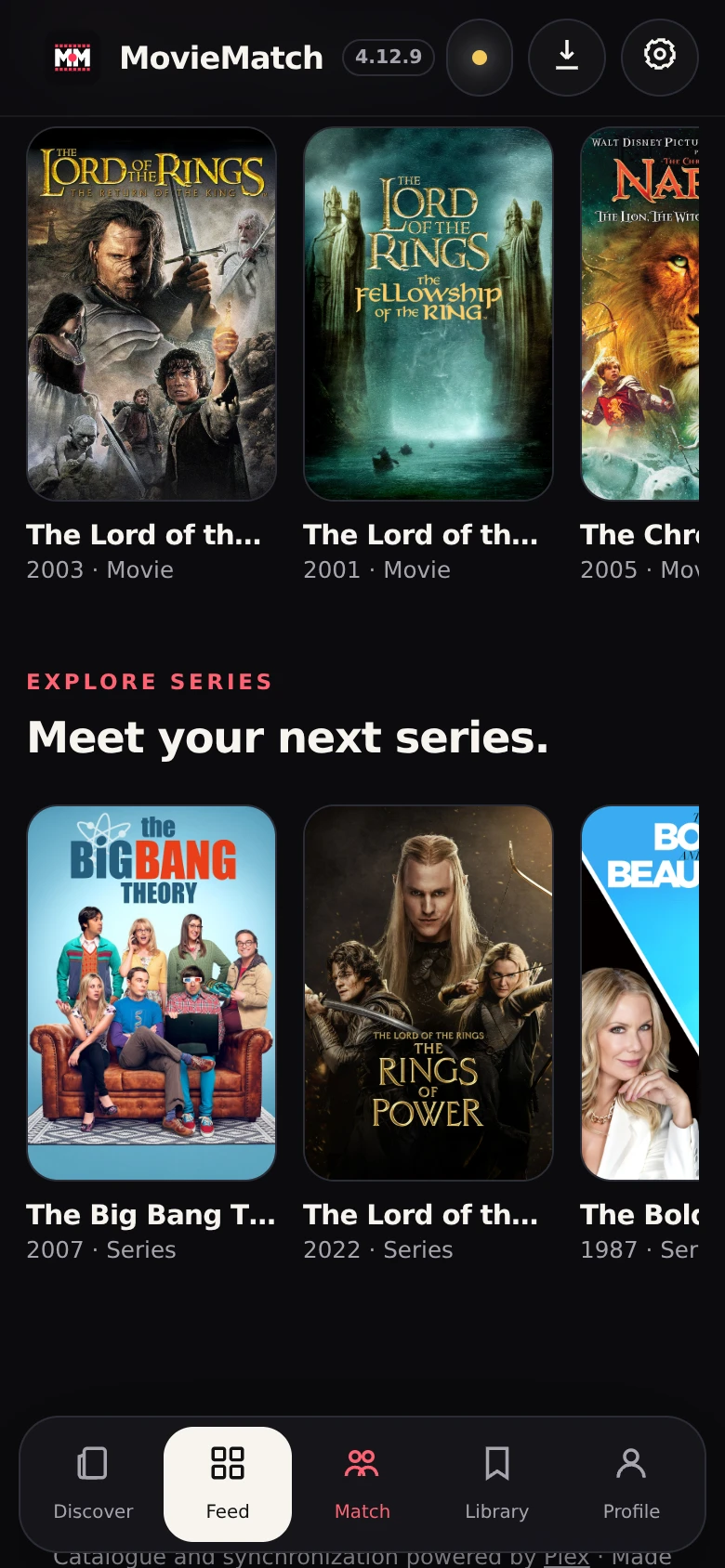
Swipe through films and series. Match with your people. Get to know your watching DNA. Your Plex watchlist, ready for a proper night in.
Browse first. Connect Plex when you’re ready.
Not another app. I feel you. MovieMatch exists to get you from endless options to something you actually want to watch. Swipe through films and series. Find common ground with your partner or friends. Get to know your taste. Plex keeps your watchlist; MovieMatch helps you fill it, make the match and get on with your night. Less admin. More opening credits.
In the making since 2022. Solo-built by Sam, with AI helping along the way.
Why I built it
Films and series. Minus the admin.
A quick yes, a quick pass. Discover picks shaped by your choices and save the good stuff to Plex. New account? Build a watchlist without making it your second job.
Start discovering
Find something you both want.
Match Plex watchlists with your partner or a friend. Find a shared pick for the sofa or your next cinema trip. Watch a fucking movie before the popcorn — and the mood — go cold.
Find a match
Proper insight. Powered by Plex.
Your favourite actors, directors and genres. Your estimated hours watched. MovieMatch turns the data Plex shares into a picture of your taste. Your watchlist stays in Plex. Your profile gets more interesting.
Explore your profilePhones down.
Film on.
New to Plex? Start with a few films you love. Swipe, save, and build a watchlist that feels like you. No spreadsheet energy.
Already there? Plug in the watchlist you’ve built. MovieMatch adds a quicker way to discover, compare with friends and understand what makes you press play.
Get started with Plex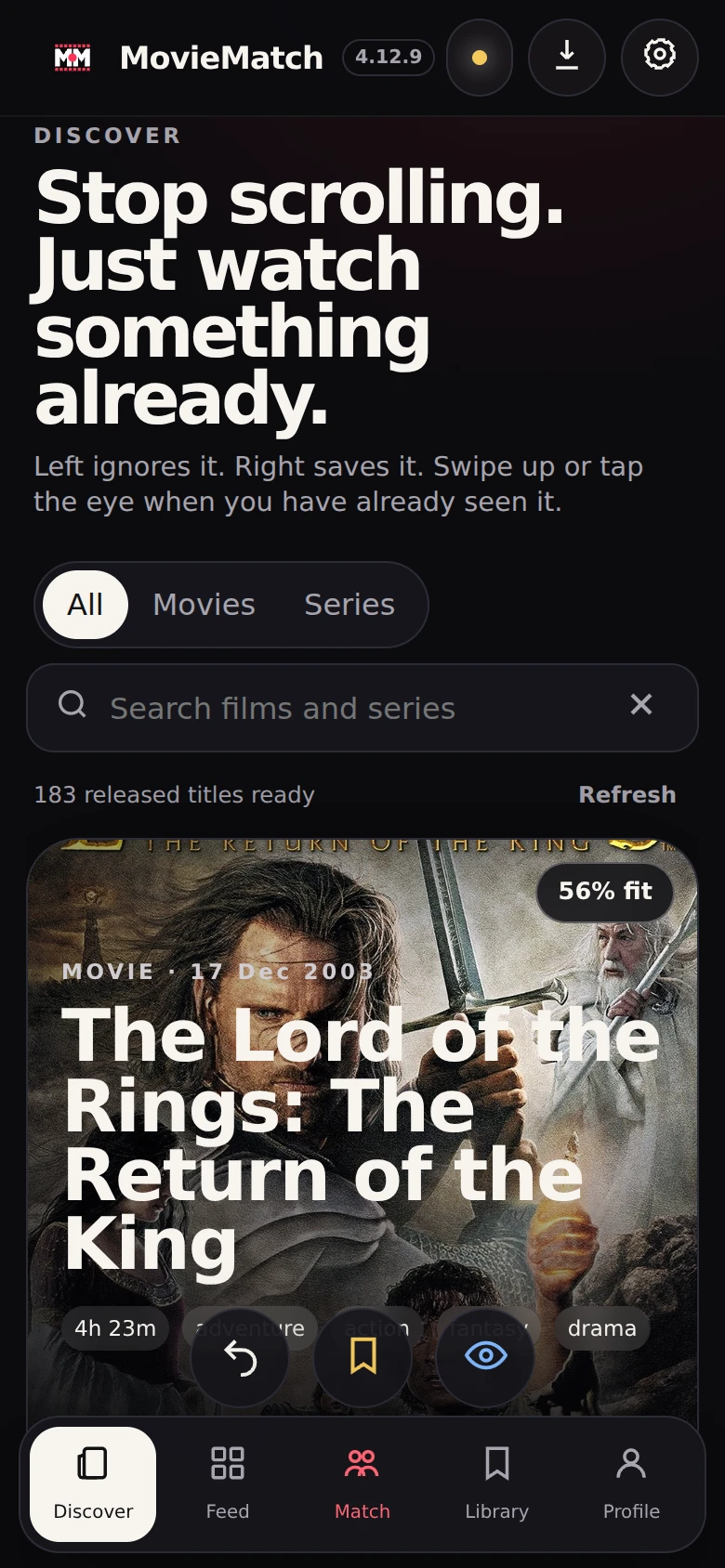
MovieMatch is independent. It integrates with Plex and is not an official Plex product or partner. Plex privacy settings and data availability apply.

A film you both fancy. Popcorn still warm. That’s the point.
Find tonight’s filmStart by browsing MovieMatch. When you want to save a film or use matching, connect a Plex account through Plex’s own sign-in page. If you don’t have one, use Plex’s account-creation option. Your first few watchlist picks are enough to begin. You don’t need a personal Plex Media Server.
No. MovieMatch reads your accessible Plex watchlist and the watched states, ratings and history Plex supplies. Supported choices you make in MovieMatch go back to Plex. Some information can be private or unavailable; MovieMatch does not invent missing data.
Connect Plex, choose a Plex friend in Match and compare your accessible watchlists. Shared picks mean you both want to watch that title. If you are not friends yet, share an invitation, accept the friendship on Plex and refresh. Private lists stay private.
You both need Plex accounts, an accepted Plex friendship and watchlists that can be read under Plex’s privacy settings. Your friend doesn’t need to maintain a separate MovieMatch list or keep MovieMatch open.
Plex keeps your choices. MovieMatch gets the evening moving: swipe through films and series, match accessible watchlists with a Plex friend, and see the actors, directors and genres behind your taste. It gives new Plex users a place to start and existing users a way to choose together.
Your profile shows favourite genres, actors and directors, plus estimated hours watched, using the watched titles and ratings Plex supplies. Missing history, runtimes or credits can leave gaps. It’s a view of the available data, not a complete lifetime viewing record.
MovieMatch is free to use in this beta. Its basic discovery and matching do not require a Plex Pass, paid watchlist RSS export or personal media server. Plex controls the availability of its own features and data.
MovieMatch helps you discover and decide; it isn’t a streaming service. Open a title on Plex to see the viewing options available for your region and services.
Watchlists, watched states and ratings stay in Plex. MovieMatch saves confirmed hidden choices in a private Plex list named MovieMatch — Not interested, and reads that list on reconnect. It uses those choices to hide titles and lower similar suggestions. This does not change Plex’s own recommendations. If Plex cannot confirm a save, you can explicitly choose a device-only or session-only fallback. MovieMatch uses temporary encrypted Plex access for your session and calculates matching without saving a separate shared list. An archive you explicitly import is a local backup, not an automatic history migration into Plex. See Privacy & data for storage, cookies, deletion and your rights.
Plex or Google may reuse a sign-in already active in your browser. Signing out of MovieMatch ends the MovieMatch session, but does not sign you out of those services. Use Plex’s “Use a different email address” option, or its email/password sign-in. For testing a separate account, start MovieMatch in a fresh private browser session. MovieMatch asks you to confirm the returned account before loading your personal lists.
No. MovieMatch is an independent beta by Studio Sampersand. It is not affiliated with or endorsed by Plex. Plex controls its account permissions and data availability.